Balance: Verif Tools Global Domain Guide
Step 1
First of all, in order to top up your balance, you need to register or log in to our website. It's very easy – just login and password!
Step 2
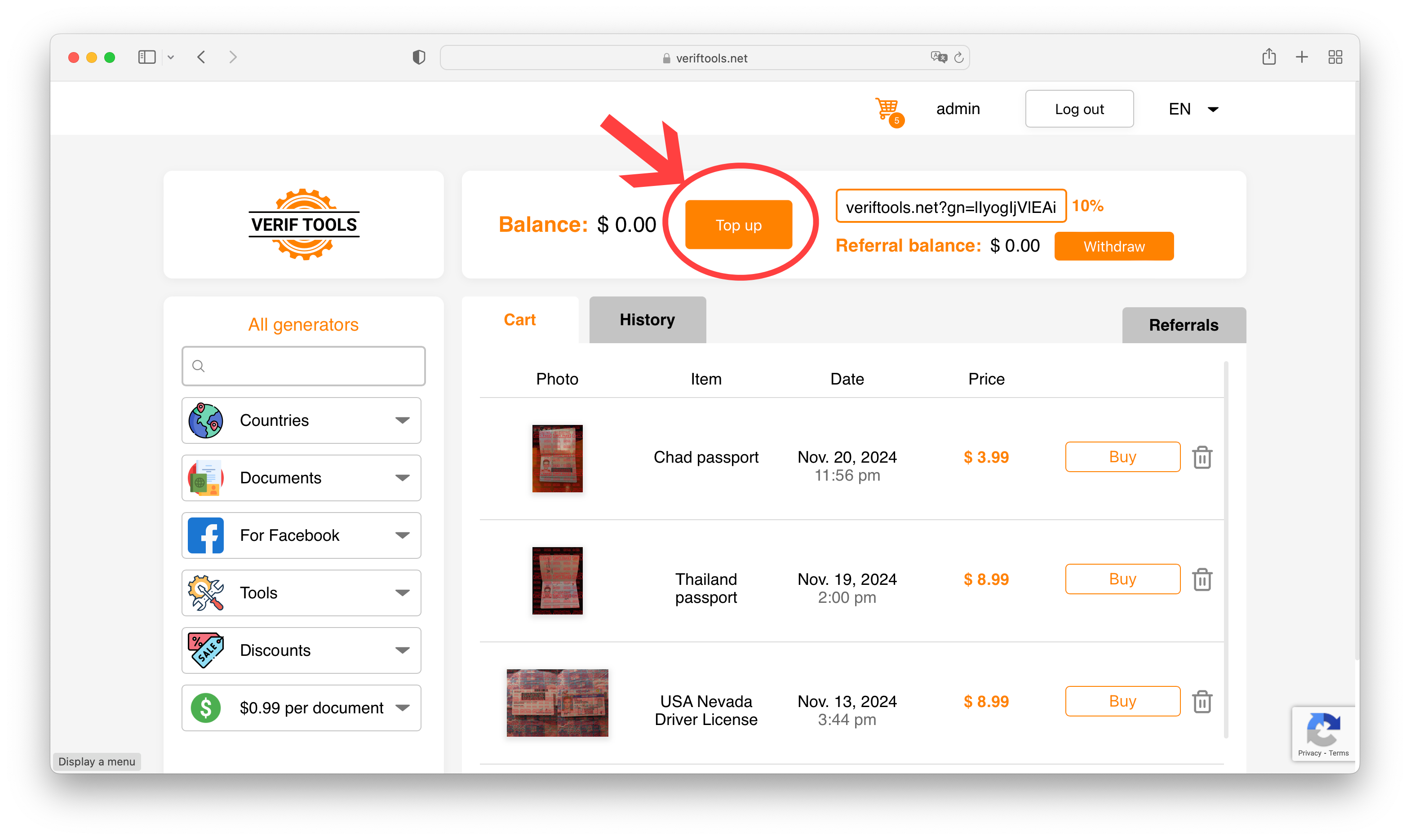
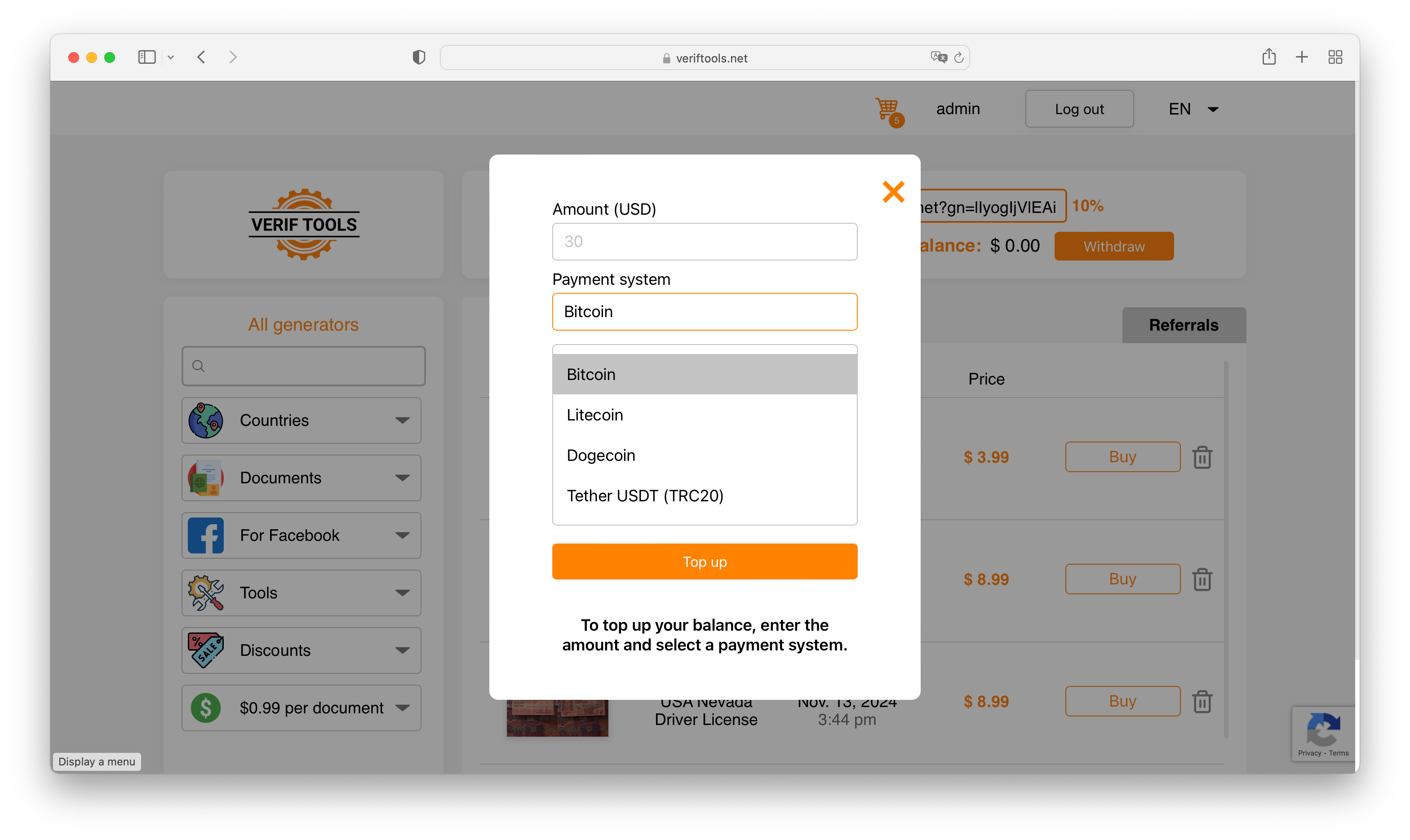
Then you need to go to the cart and click "Top up" button.
Now you need to enter the amount and choose a payment method. We recommend using Bitcoin. We accept Bitcoin, Litecoin, Dogecoin, and USDT (only TRC20!)
Step 3.1 (Bitcoin)
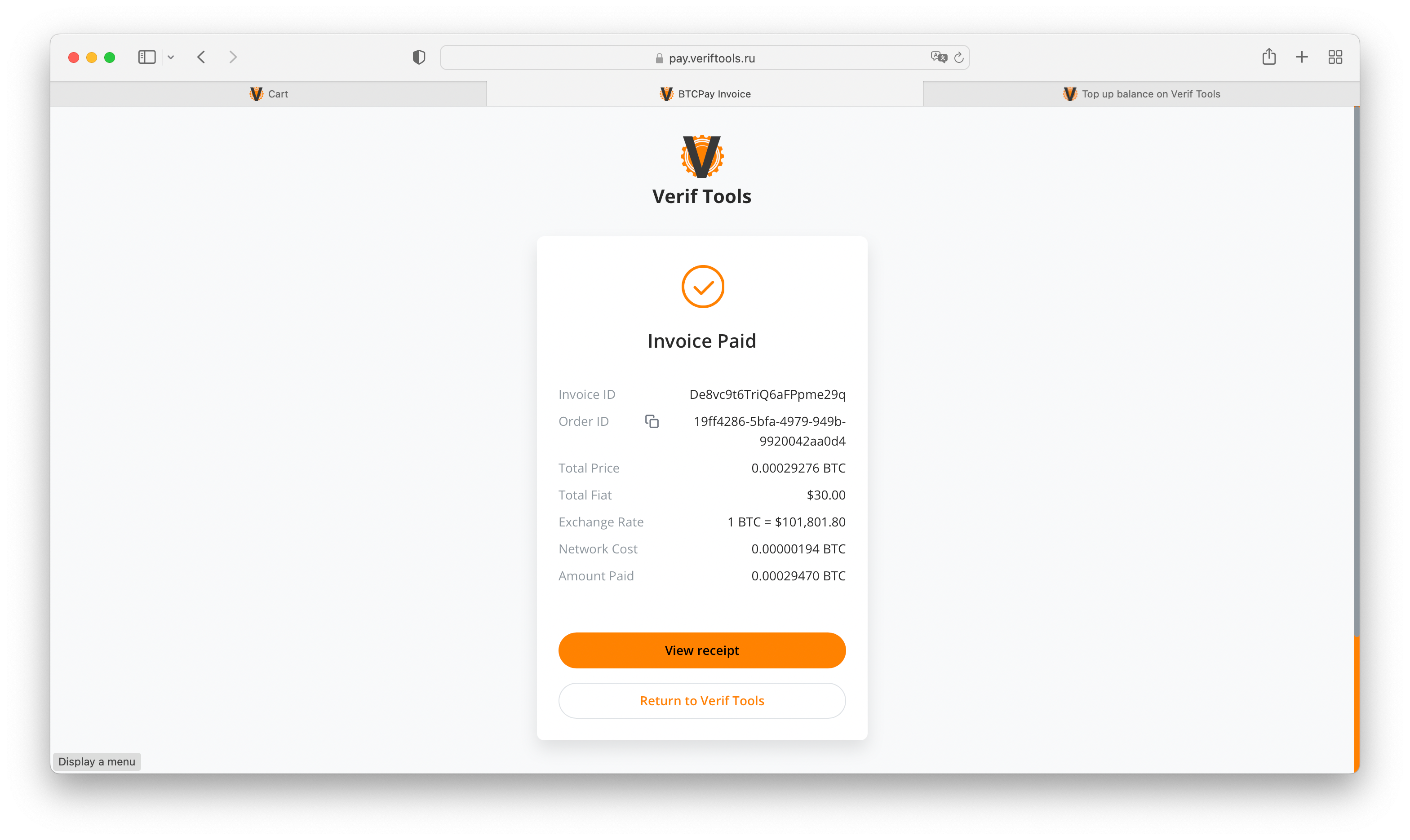
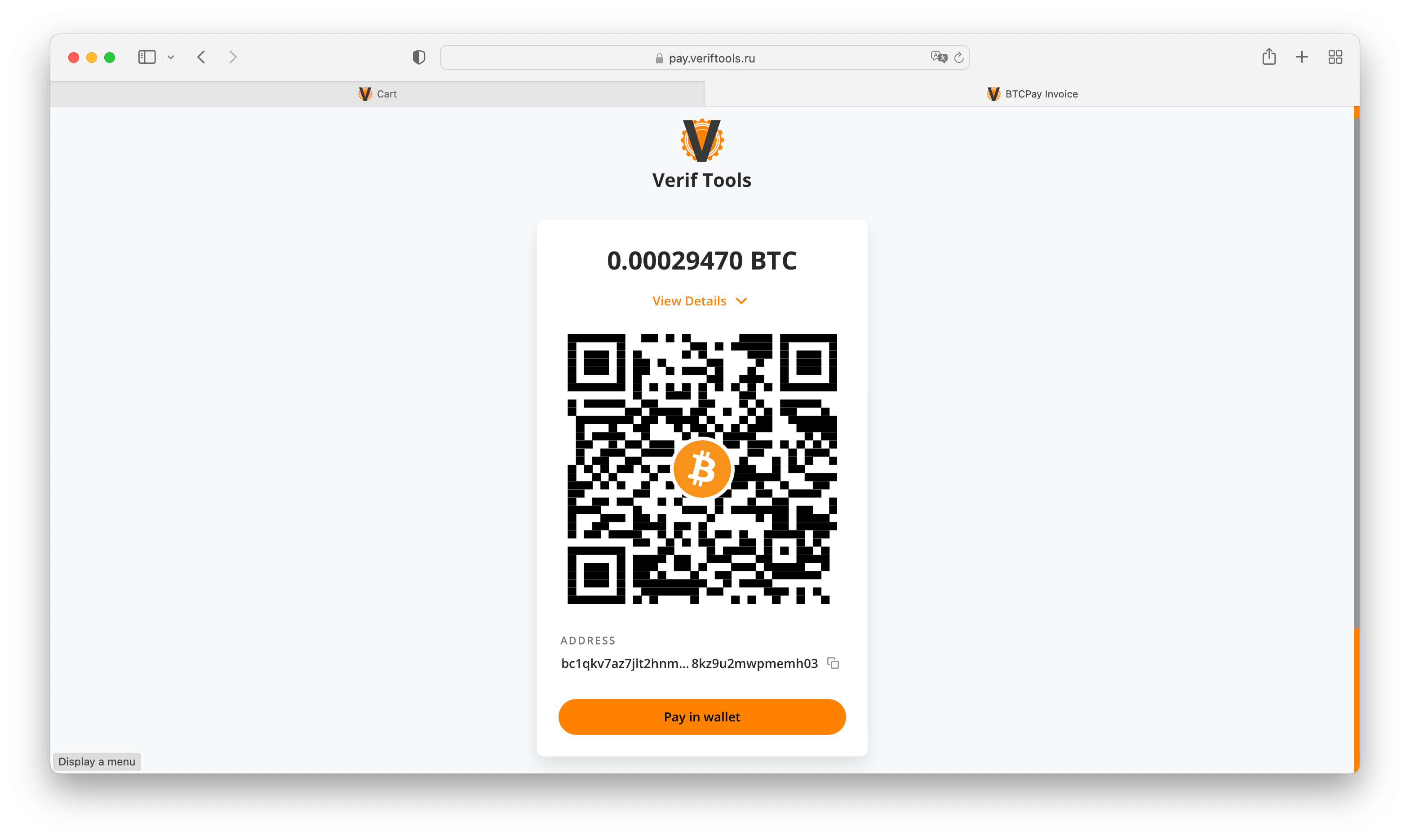
If you have chosen Bitcoin, you will see this page. The system will show us the address and the amount. You can now send money to this address.
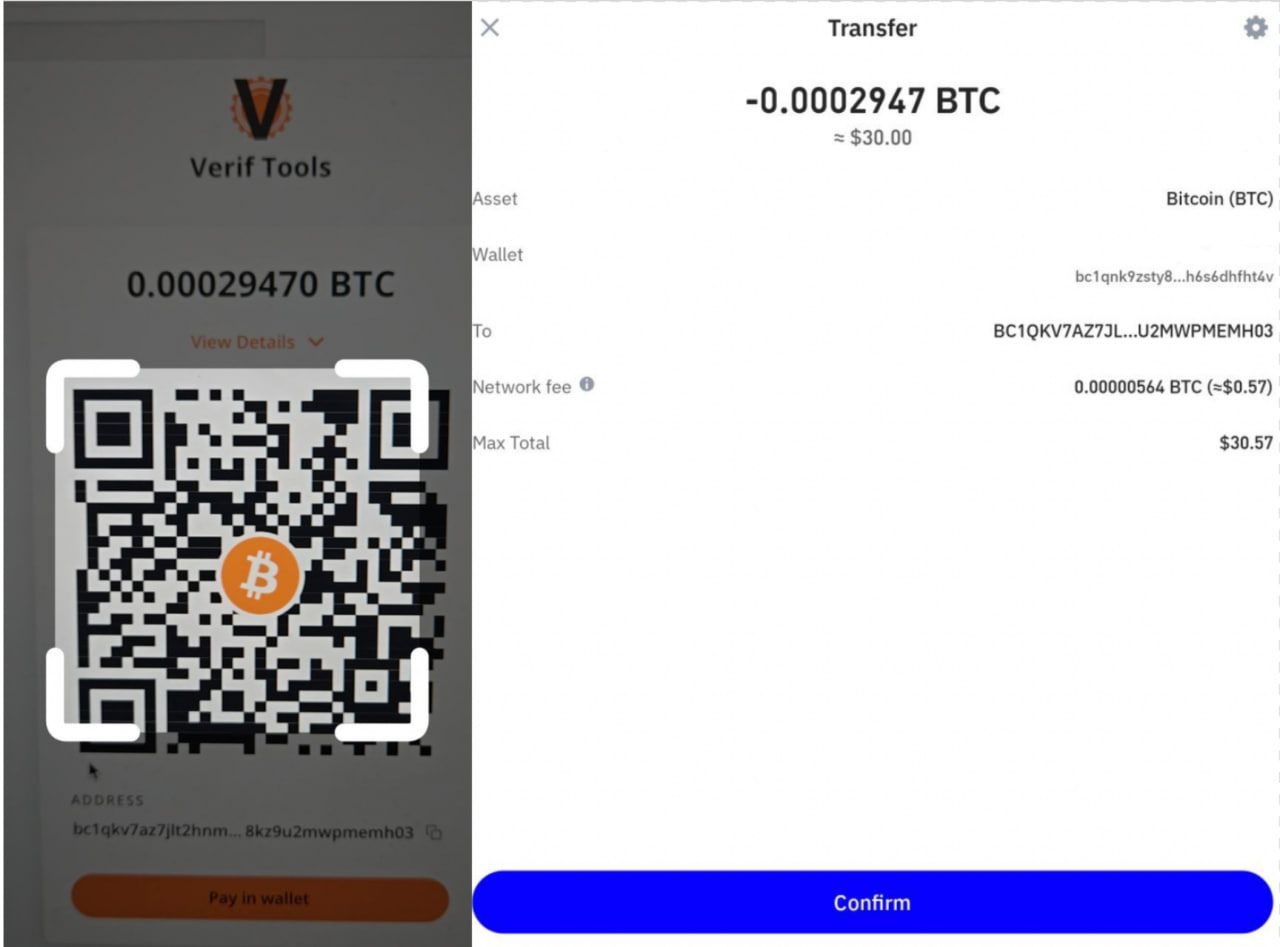
Let's make a payment (from Trust wallet for example):
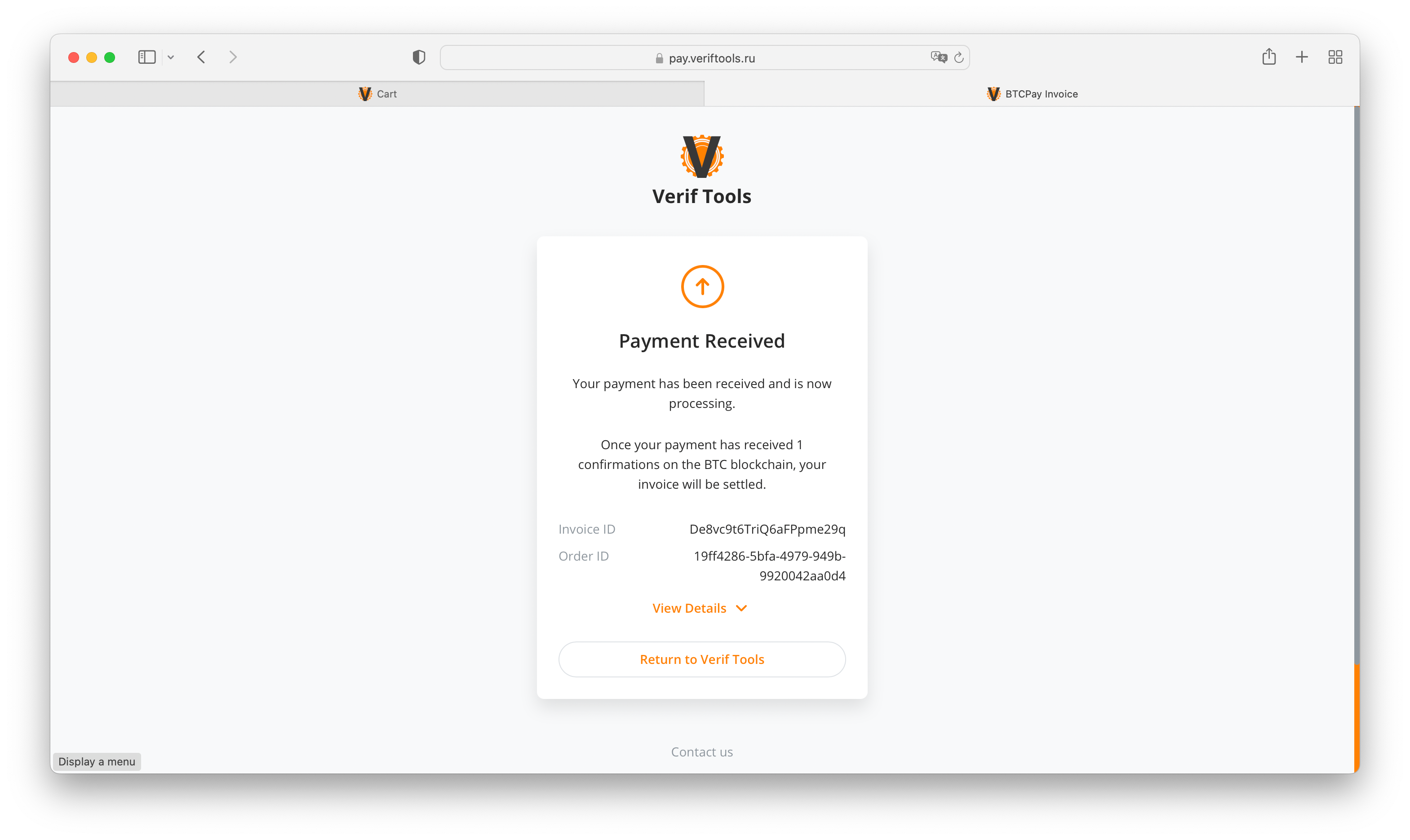
After payment, you need to wait for the required number of network confirmations (usually it takes 20-40 minutes).
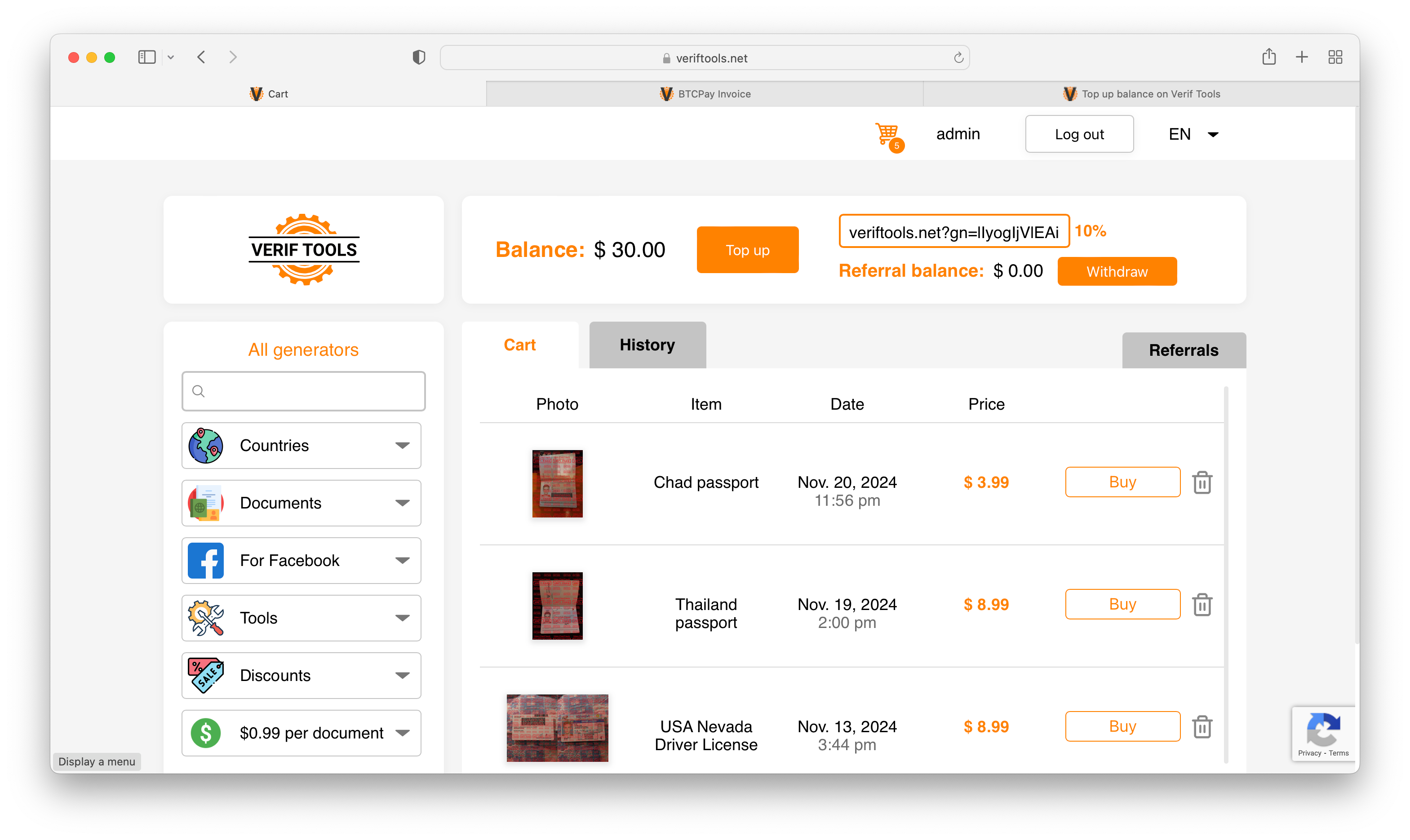
Payment is confirmed by blockchain.
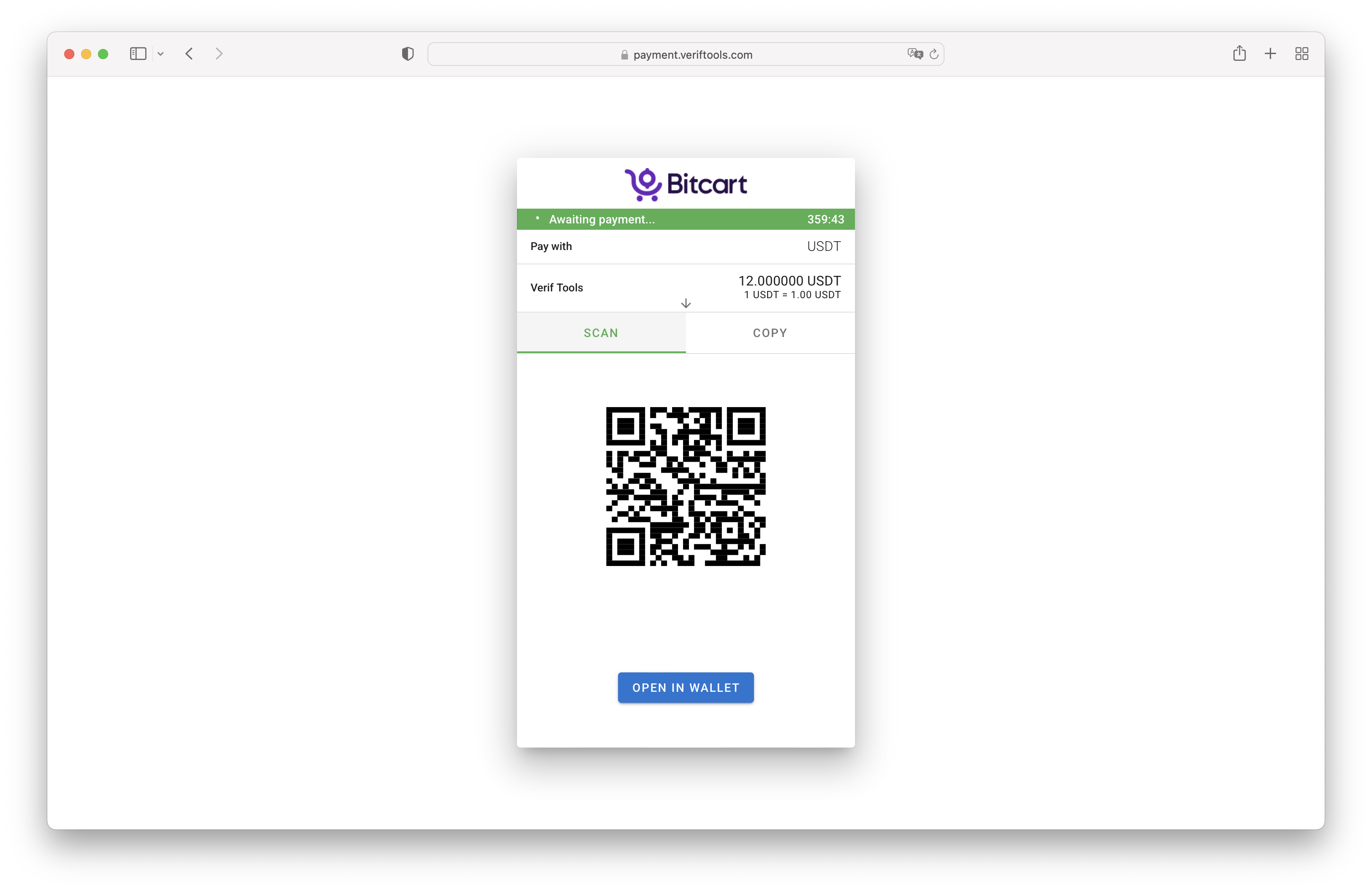
Step 3.2 (USDT TRC20)
After you have selected the USDT TRC20 payment system, you will see a payment page with the payment address and amount.
Be careful, you need to send exactly the amount indicated on the payment page (this amount does not include your wallet's commission).
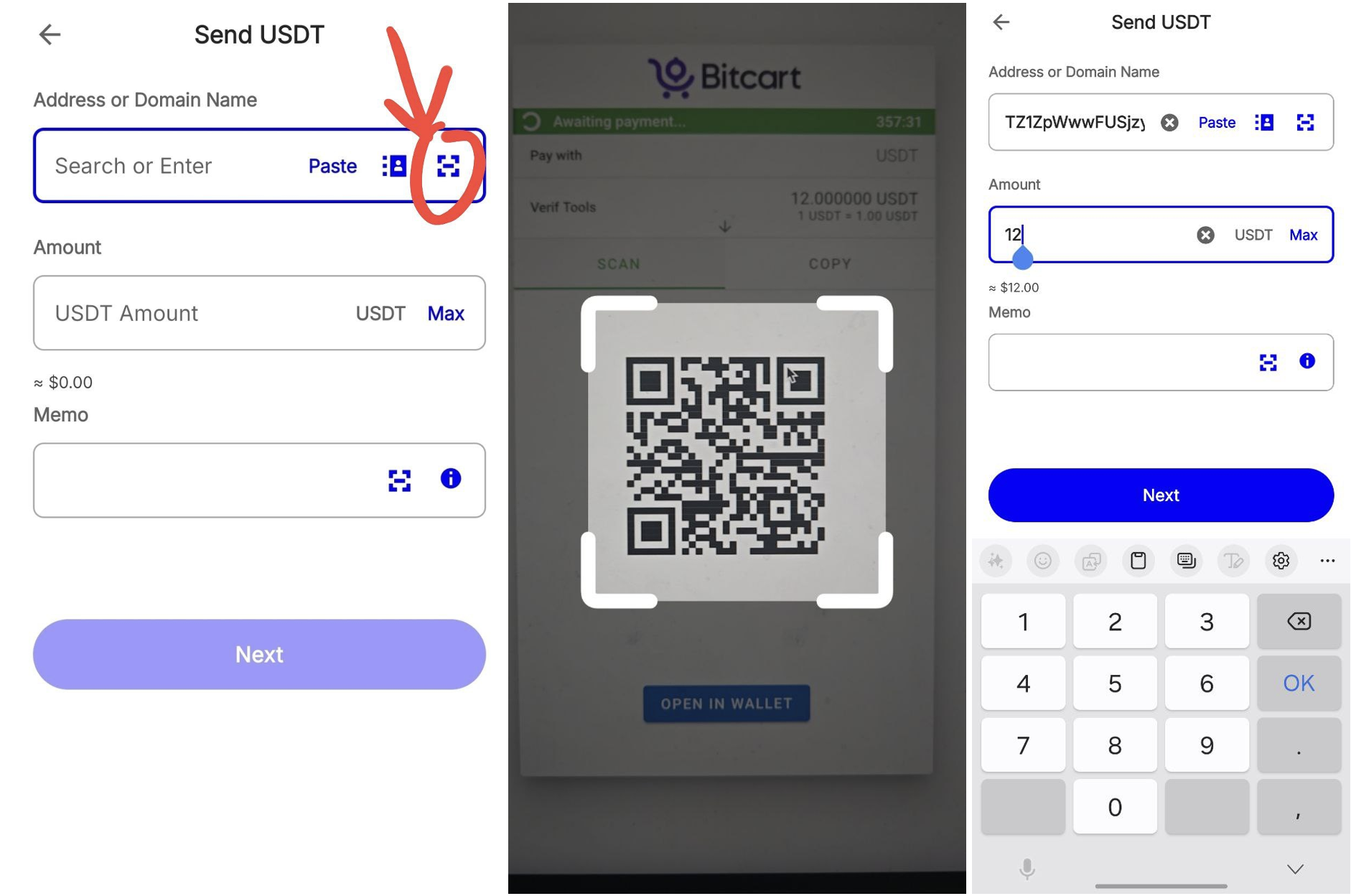
After you send the required amount in the correct cryptocurrency and network, your payment will be updated within 5-30 minutes.
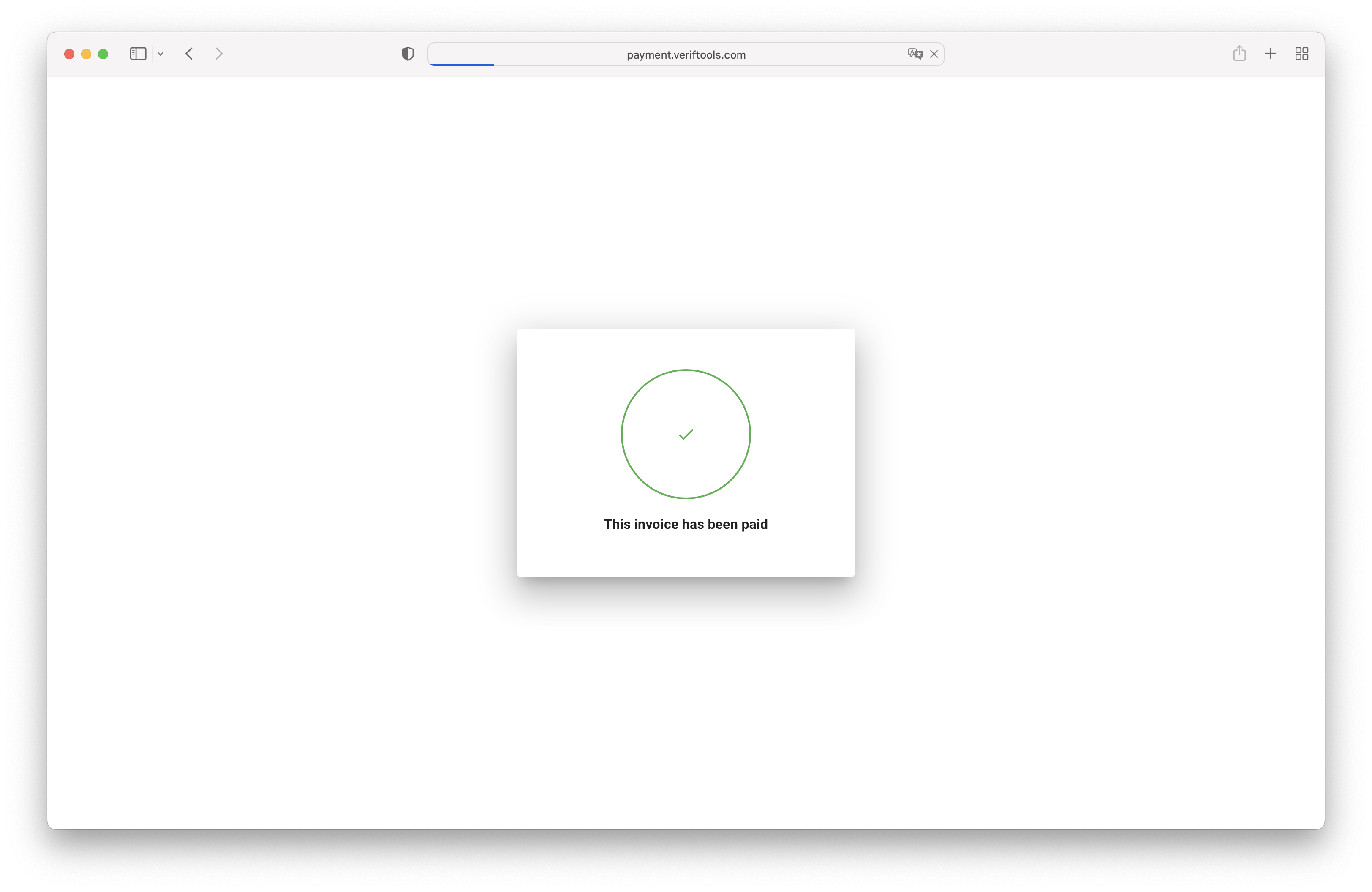
Finish
If you did everything correctly, your balance should be updated. We remind you that if you replenished your balance with cryptocurrency, it will take some time. You can check your balance in your cart:
Need help?
Need help? Write to support.